
Cookies Policy
Cookies are small text files a website saves in your browser so it can recognise the same device on the next page or the next visit. Springbok Casino uses them mainly to keep you logged in, protect your session and remember your settings. This page lists the kinds we use and shows how to remove them.
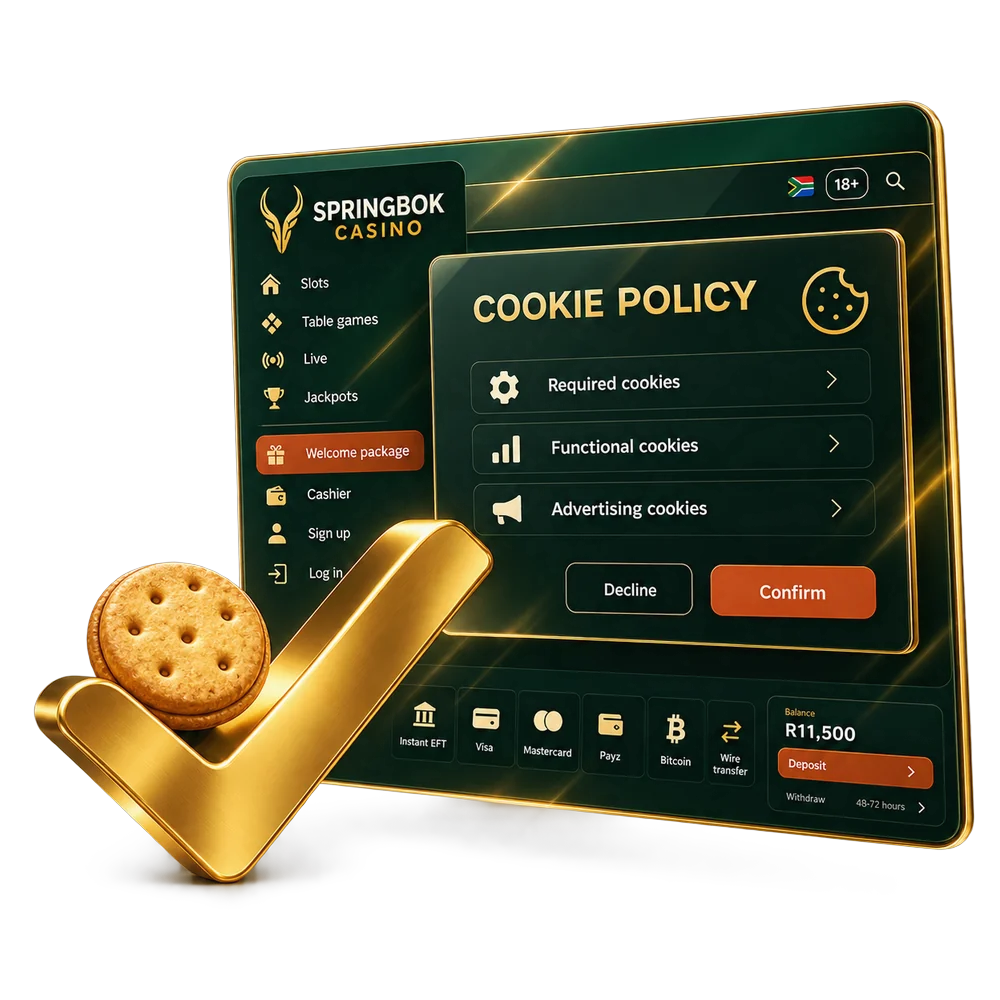
What Cookies Do We Use?
We group our cookies by what they do:
- Strictly necessary: keep you logged in, carry you through the cashier, and protect forms against cross-site request forgery. The site cannot work without them, so they cannot be switched off. They are set without asking.
- Preferences: remember choices such as language and display settings for up to 30 days, so you do not have to set them again.
- Measurement: count visits and page views in aggregate so we can see which pages work. They are not used to build a profile of you. Set only with your consent.
- Marketing: if we run advertising campaigns, these record which campaign brought you to us. Set only with your consent.
Where Do Cookies Come From?
A cookie can be written by our server, by code running in your browser, or by another company's service embedded in a page. The difference matters for who can read it and how long it lasts.
Back-End Cookies
These are sent by our server together with a page. The login session is one of them: it tells the server that the next request comes from the same logged-in browser. They are marked HTTP-only, which means scripts on the page cannot read or change them, and the session cookie is deleted when you close the browser or log out.
Front-End Cookies
Some settings are saved by the page itself, using a cookie or your browser's local storage. Examples are your language choice or the fact that you already closed a notice so it does not keep reappearing. These hold settings only, never your password or payment details, and many of them never leave your device.
Third-Party Cookies
A third-party cookie is set by a different company whose service appears on our pages, such as a live-chat window or a payment page. Those companies handle their cookies under their own privacy policies, and ours is in the Springbok Casino privacy policy. We do not allow advertising networks to follow you from our site across other websites. Safari and Firefox block most cross-site cookies by default, and Chrome lets you do the same in its settings.
How Do I Manage Cookies?
You decide which optional cookies we may set, and you can change that choice at any time using the cookie settings link in the footer. Every browser also lets you block or delete cookies. If you block the strictly necessary ones, you will not be able to stay logged in or use the cashier. Deleting cookies logs you out, and your saved preferences reset to their defaults.
Delete All Cookies
Deleting cookies signs you out of websites that remembered you and resets their saved settings, on every site, not only ours.
Chrome (computer)
- Click the three-dot menu in the top-right corner and open Settings.
- Go to Privacy and security, then Third-party cookies (or Cookies and other site data).
- Click See all site data and permissions.
- Search for a single site to remove only its data, or choose Delete all data.
- Confirm with Delete.
Safari (iPhone): Settings › Safari › Clear History and Website Data, or Advanced › Website Data to remove one site.
Chrome (Android): three-dot menu › Delete browsing data › tick "Cookies and site data" › Delete data.
Menu names change between browser versions. If yours look different, search the browser's help for "clear cookies". For questions about our cookies, contact support.