
Springbok Casino App for Android and iOS
You do not need an app store to play Springbok Casino on your phone. The casino opens in Chrome or Safari, and a shortcut on your home screen makes it start like any other app, with the same login, cashier and games as on a computer.
Below: what the phone version can do, the requirements, step-by-step setup for Android and iPhone, the Windows client, and what to do when something goes wrong.
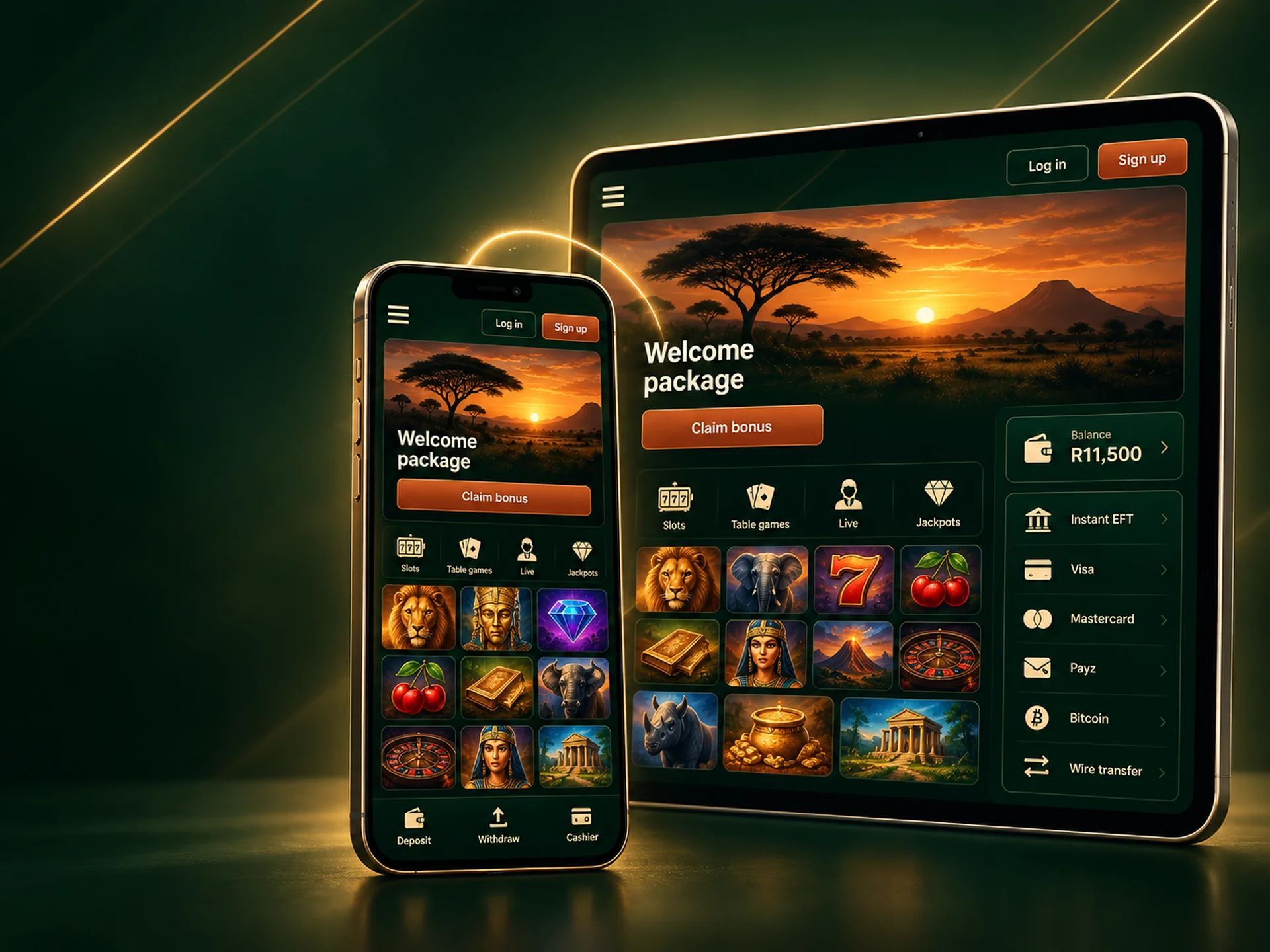
Welcome package on any device up to R11,500
Same account and same bonus on your phone, tablet and computer.
On this page
- What Is the Springbok Casino App?
- Characteristics Springbok Casino App
- Download Springbok Casino App on Your Device
- App Compatibility with Mobile Devices
- How to Register in the App?
- Manage Your App Account Settings
- Get Bonus Offers Through the App
- Play Casino Games Through a Springbok Casino App
- Payment Methods Available for South African App Users
- Troubleshooting During Install & Problem Solutions
- Comparison of the App and the Website
What Is the Springbok Casino App?
On a phone, the app is the casino's mobile site saved to your home screen. There is nothing to download from Google Play or the App Store, and nothing to keep updated by hand. What you get:
- One tap to open. The icon sits with your other apps and opens the lobby straight away.
- Always the current version. New games and offers show up the next time you open it, because the content comes from the site itself.
- One account everywhere. Your balance, bonus progress and verification status are the same on the phone and on a computer.
- Little storage used. A shortcut takes almost no space. Game graphics are cached as you play, so a game you have opened before loads faster the second time.
Characteristics Springbok Casino App
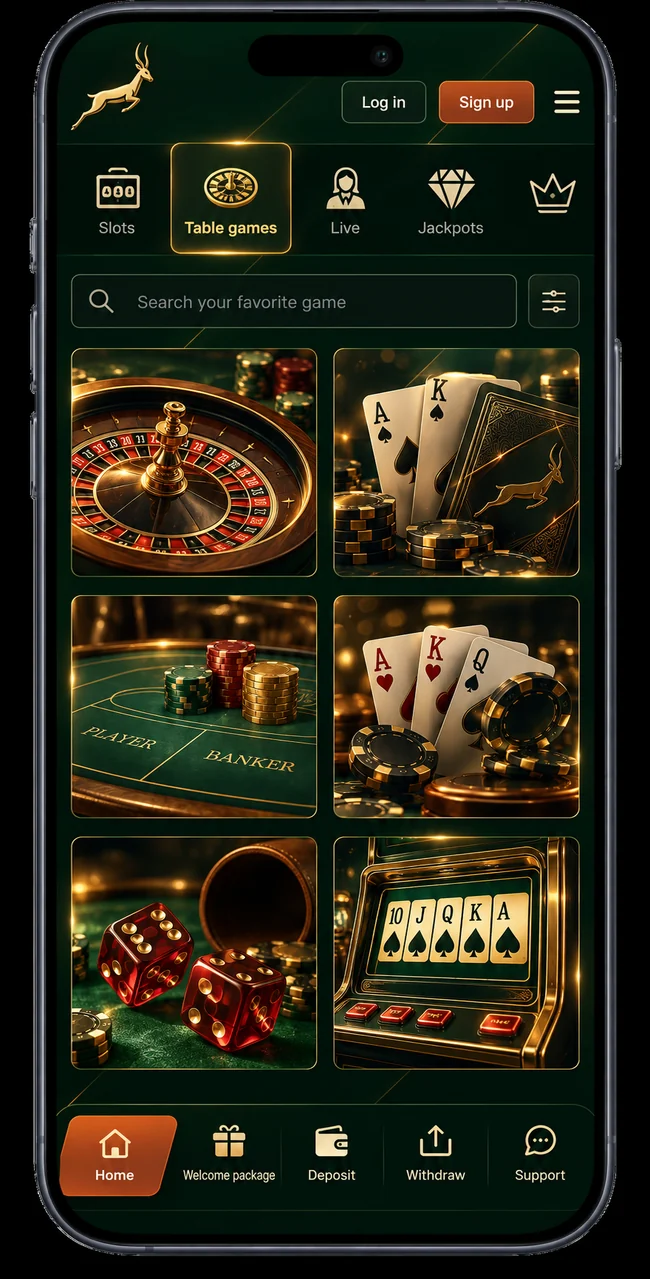
The phone version asks very little of your device and gives you the whole casino: sign up or log in, deposit and withdraw, upload documents, chat to support and play every game in the lobby.
| Operator | Quadgreen N.V. |
|---|---|
| Android | Android 10 or later, Chrome recommended |
| iPhone and iPad | iOS 15 or later, Safari |
| Windows | Download client for Windows 10 or later |
| Market | South Africa |
| Currency | South African rand (ZAR) only |
| Payment methods | Visa, Mastercard, BetterEFT, InstantEFT, Payz, Bitcoin, wire transfer |
| Support | Live chat and email, in English and Afrikaans |
| Games | Realtime Gaming (RTG) slots, table games and video poker, same lobby as on desktop |
| Space needed | Phone: under 1 MB for the shortcut · Windows client: about 60 MB |
Download Springbok Casino App on Your Device
On Android (Chrome)
- Open the Springbok Casino site in Chrome.
- Tap the three-dot menu in the top-right corner.
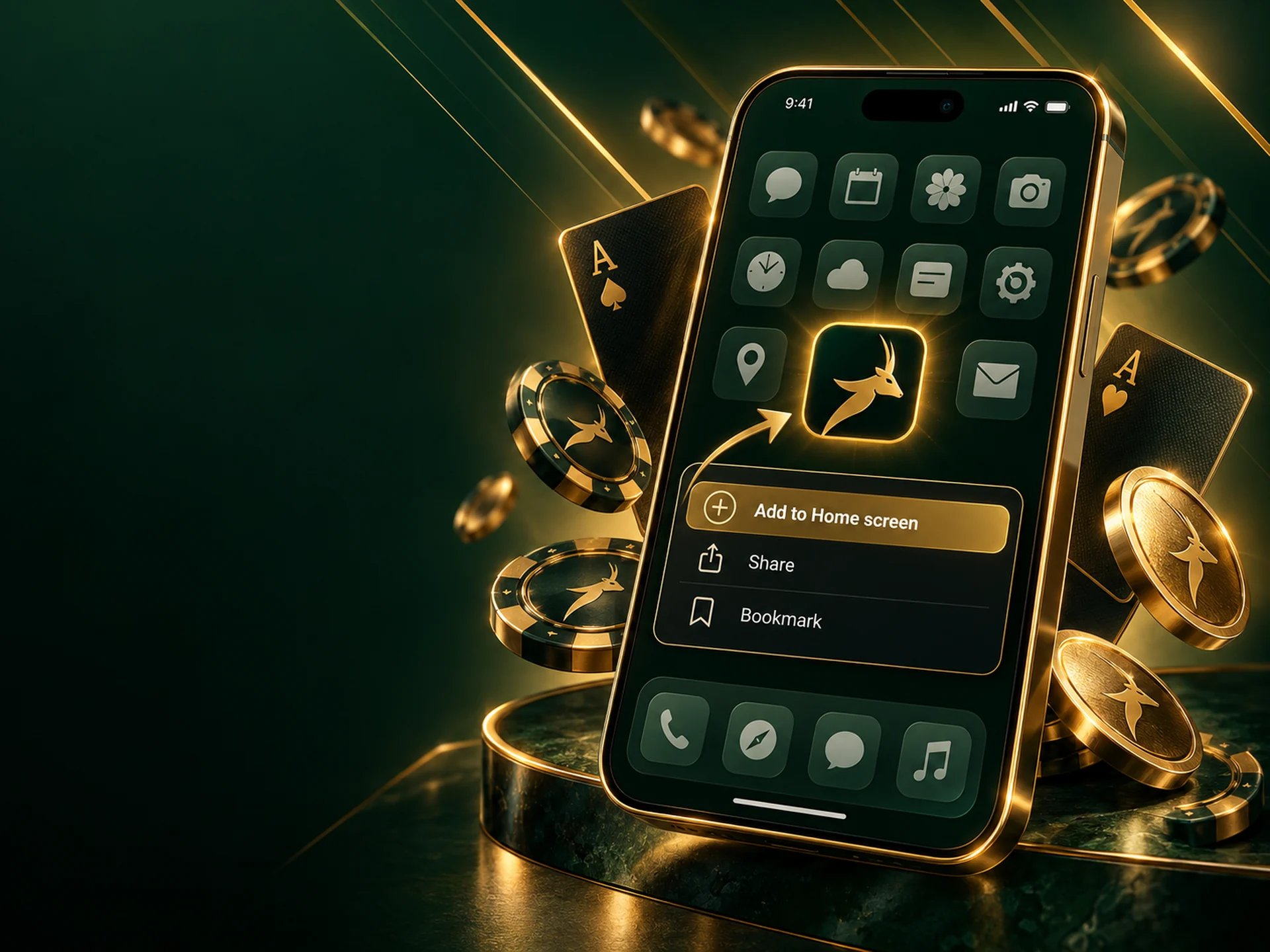
- Choose Add to Home screen (on some phones it says Install app).
- Keep the name or shorten it, then tap Add.
The Springbok icon now sits on your home screen. Tap it and the casino opens without the browser's address bar.
On iPhone or iPad (Safari)
- Open the Springbok Casino site in Safari. Other browsers on iPhone may not show the option.
- Tap the Share button, the square with an arrow pointing up.
- Scroll down the list and tap Add to Home Screen.
- Check the name and tap Add in the top-right corner.
Log in once, and the next time you open the icon you go straight to the lobby.
App Compatibility with Mobile Devices
Any reasonably recent Android phone or iPhone will run it, and so will tablets. The layout rearranges itself for the screen, so games and the cashier stay usable on a small phone held upright.
A few things make a real difference:
- Keep the system updated. Older Android and iOS versions ship older browsers, and that is where slow loading and frozen games usually start.
- Use a steady connection. Wi-Fi or a good mobile signal. If the signal drops during a round, the round is settled on the server and the result is on your account when you reconnect.
- Watch your data on a capped bundle. Each game downloads its graphics the first time you open it. Browsing twenty new games in one go uses noticeably more data than playing a few you already know.
- Face or fingerprint unlock fills in your saved password if your phone's password manager supports it.
How to Register in the App?
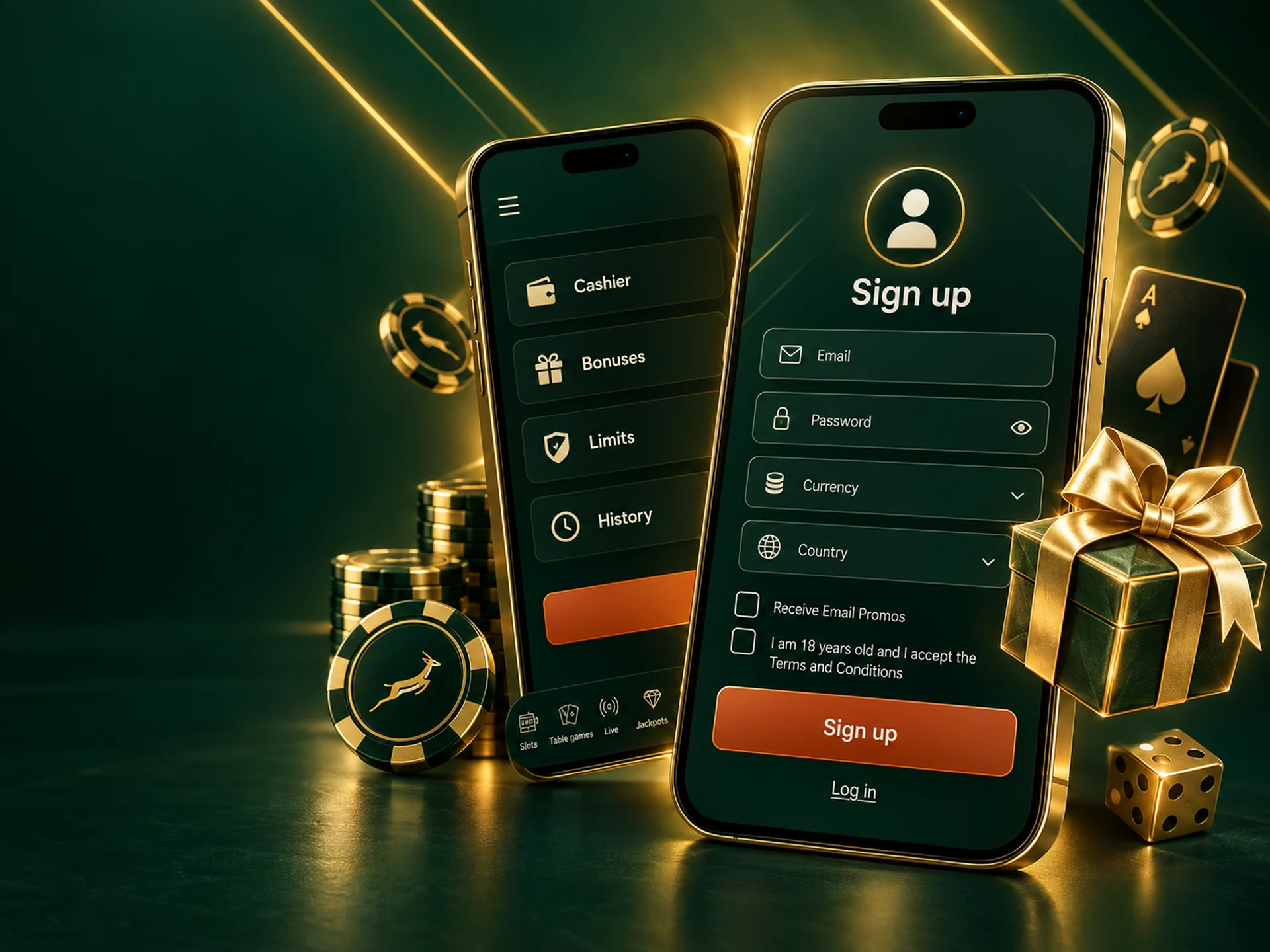
Registration on a phone is the same form as on a computer, just stacked into one column. The full walkthrough is on the Springbok Casino registration page. In short:
- Create the account. Tap Sign up, enter your email, a password of at least eight characters with a letter and a digit, your name, date of birth and mobile number. The currency is set to rands.
- Confirm your email. Open the link we send you and the account is live.
- Make your first deposit. Open the cashier, enter the welcome coupon SPRINGBOK100 first, then pick Instant EFT, a card, Payz or Bitcoin.
- Play. The whole lobby is available on the phone, and winnings land in the same rand balance you would see on a computer.
Manage Your App Account Settings
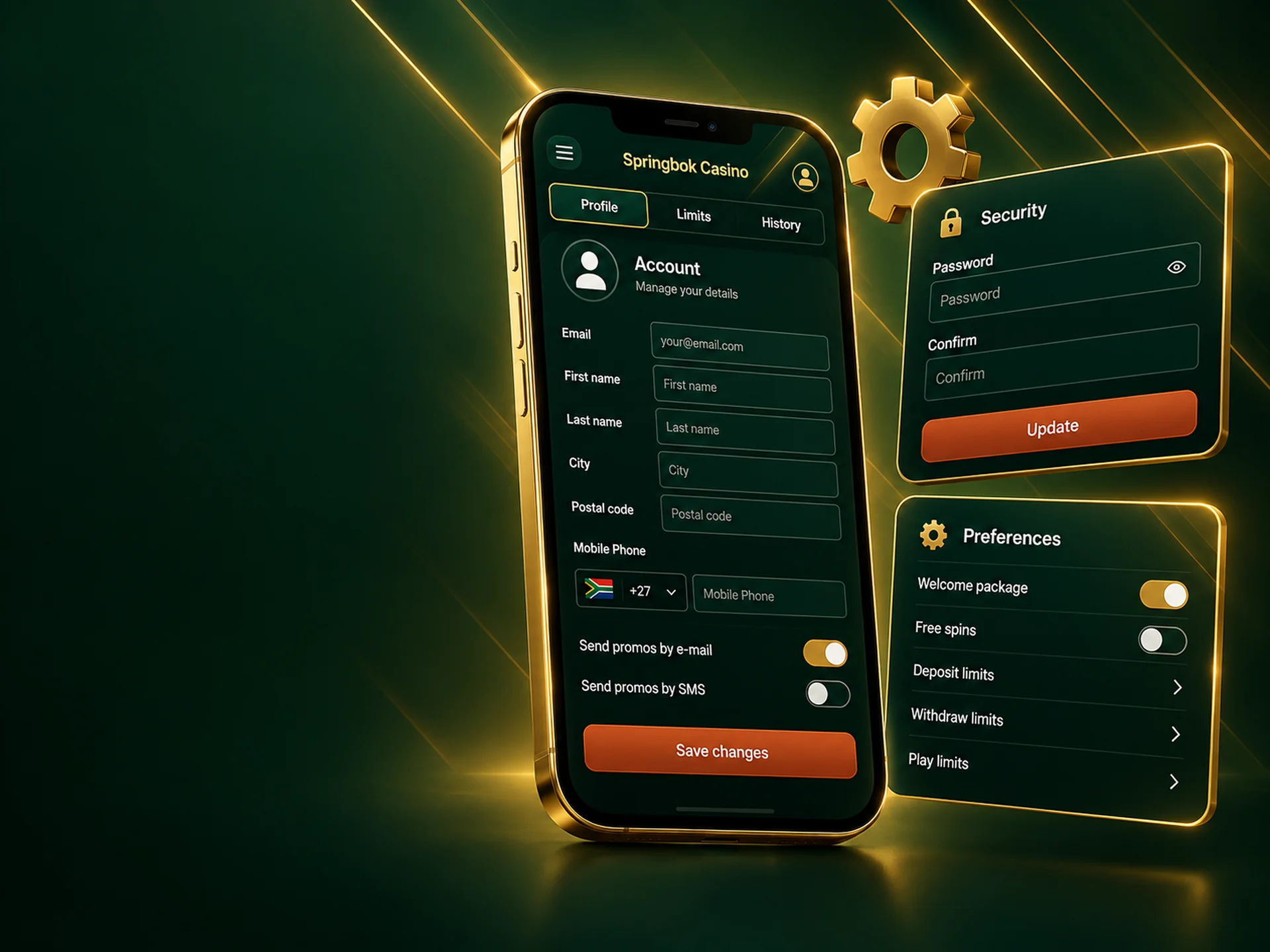
Everything in your account menu works from the phone:
- deposits and withdrawals in the cashier;
- uploading verification documents straight from the phone camera;
- changing your password, contact details and email preferences;
- setting deposit limits or taking a break;
- checking your transaction history and active bonuses.
The connection is encrypted, the same as on the desktop site. If you get stuck, live chat opens in the same window as the games during support hours, and email works for anything you may want in writing later.
Get Bonus Offers Through the App
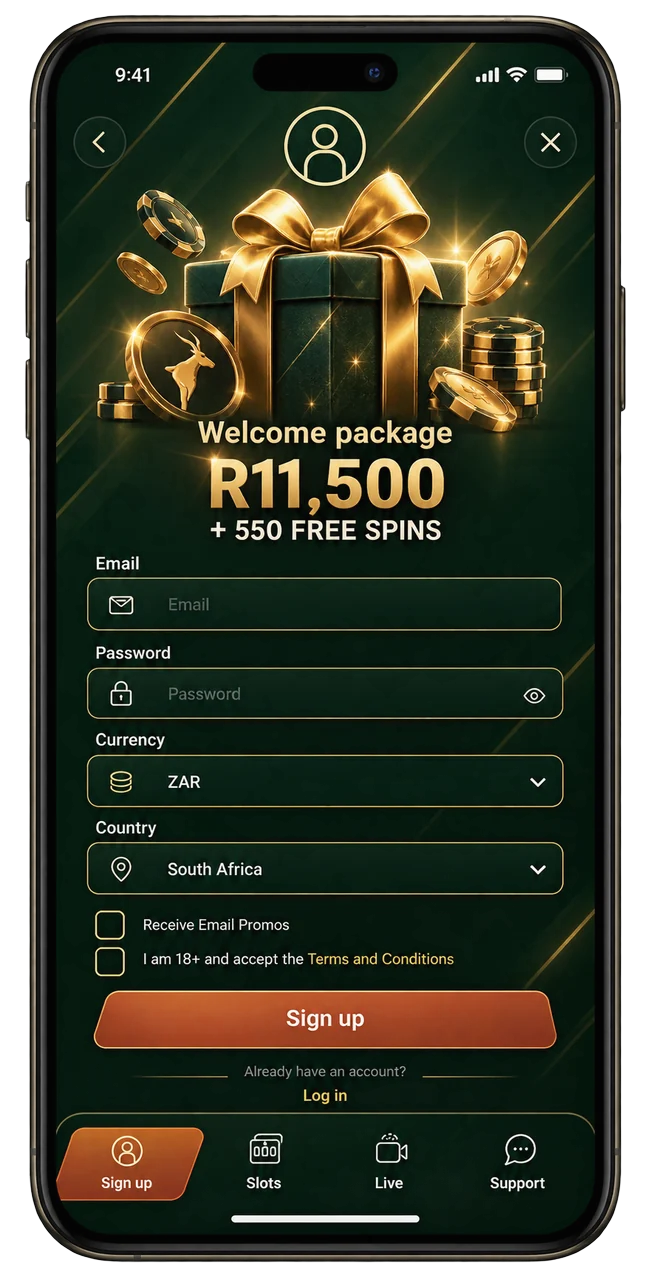
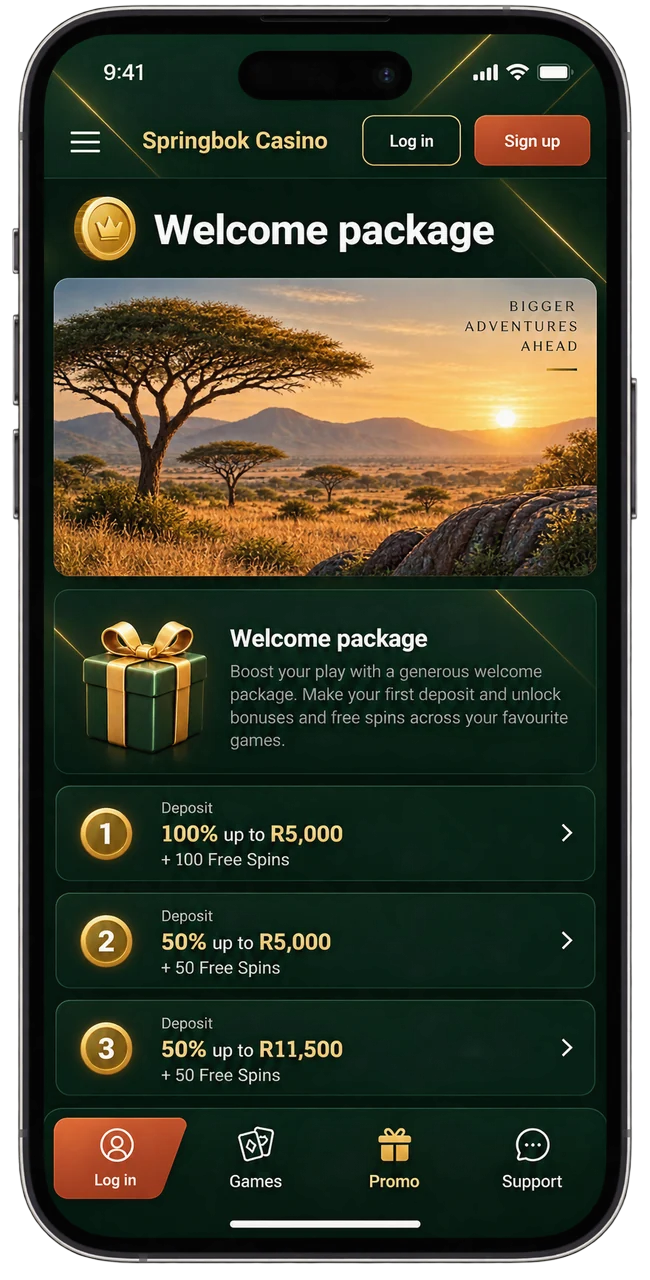
Yes. There is no separate mobile bonus and no lesser version of the welcome package. The welcome package is worth up to R11,500 and is spread over your first three deposits:
| Deposit | What you get | Coupon code |
|---|---|---|
| First | 100% match up to R1,500 | SPRINGBOK100 |
| Second | 50% match up to R5,000 | SPRINGBOK50 |
| Third | 50% match up to R5,000 | SPRINGBOK50 |
Wagering 35× the bonus, 21 days from activation. Enter the code in the cashier before paying. 18+, terms apply.
If you start a bonus on your phone and carry on at home, the wagering progress carries over, because it belongs to the account and not to the device.
Play Casino Games Through a Springbok Casino App
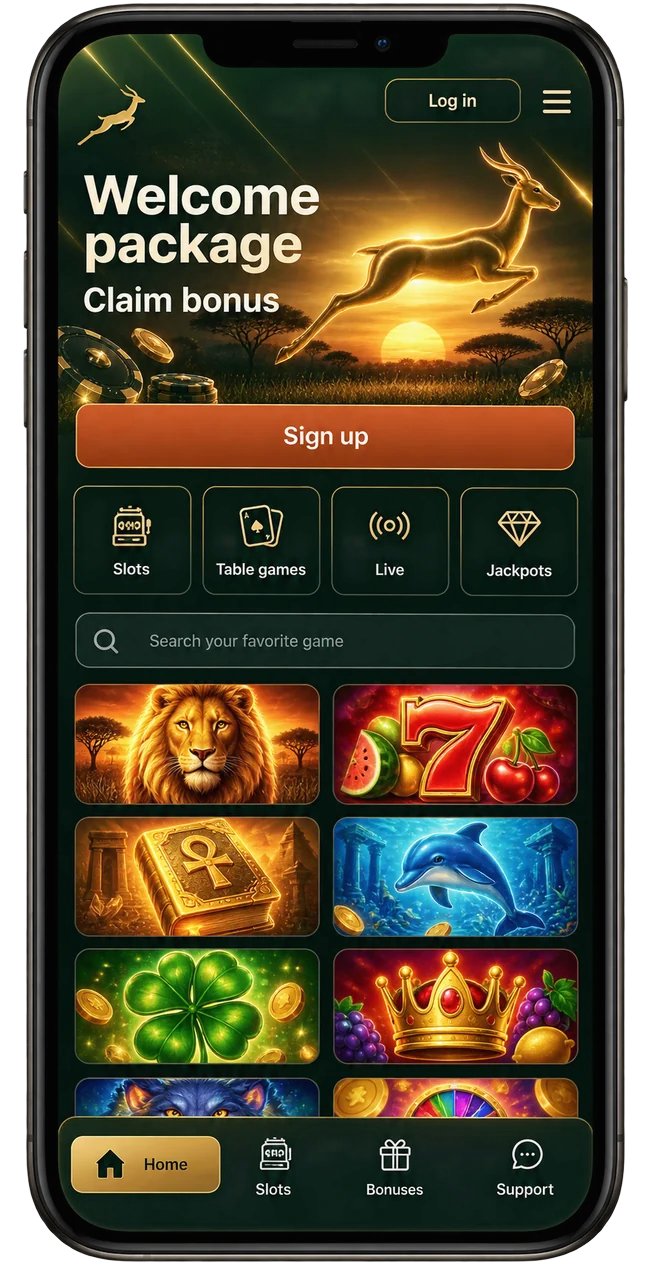
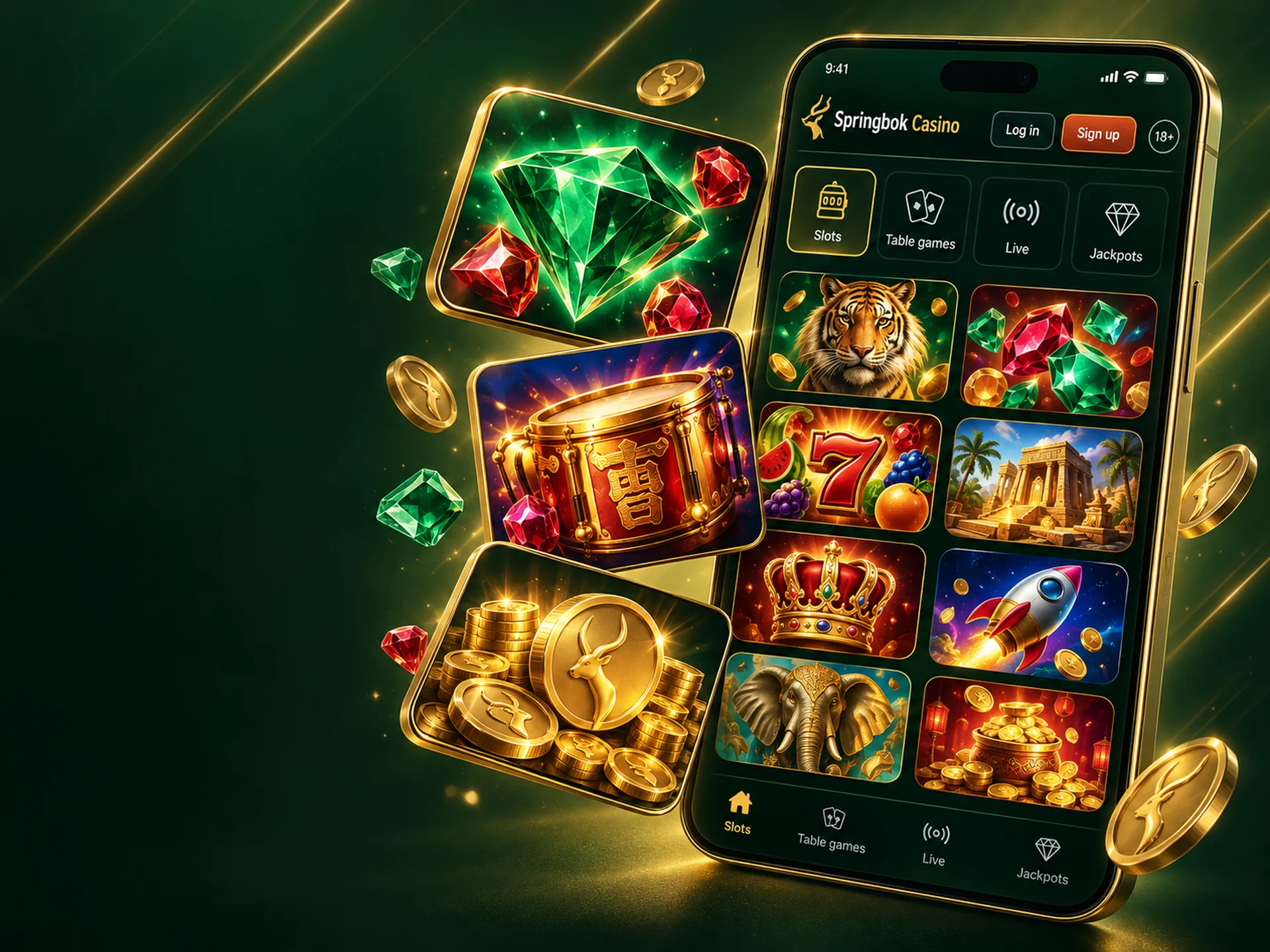
The full lobby, not a mobile selection. Springbok Casino runs on Realtime Gaming (RTG), so the slots, table games and video poker on your phone are the same titles you would find on a computer, and they behave the same way.
- Slots, from three-reel classics to feature slots with free games and bonus rounds.
- Progressive jackpot slots, where the jackpot pool is shared across the RTG network, which is why it grows faster than a single casino could fund it.
- Table games and video poker, laid out for portrait play on smaller screens.
Pick your stake, tap spin or deal, and the result is settled on the server. If your phone locks mid-round, the outcome is waiting when you come back.
Payment Methods Available for South African App Users
The cashier on your phone offers the same methods as the desktop site, all in rands. Minimums are per transaction. Full limits, payout times and fixes for stuck payments are on the Springbok Casino payments page.
| Method | Minimum | Maximum | Arrives |
|---|---|---|---|
| Visa / Mastercard | R150 | R25,000 | Instantly |
| BetterEFT | R51 | R50,000 | Instantly |
| InstantEFT | R71 | R50,000 | Instantly |
| Payz | R10 | R50,000 | Instantly |
| Bitcoin | R250 | No upper limit | Instantly |
| Wire transfer | R2,500 | R250,000 | Up to 2 business days |
Withdrawals
| Method | Minimum | Maximum per request | Processing time |
|---|---|---|---|
| Visa / Mastercard | R500 | R25,000 | 48–72 hours |
| BetterEFT | R500 | R25,000 | 48–72 hours |
| InstantEFT | R500 | R25,000 | 48–72 hours |
| Payz | R500 | R25,000 | 48–72 hours |
| Bitcoin | R500 | R50,000 | 48–72 hours |
| Wire transfer | R500 | R75,000 | Up to 2 business days |
Troubleshooting During Install & Problem Solutions
Most setup problems come down to storage, security settings or an outdated system, and each takes a couple of minutes to sort out. The three we hear about most are below. If none of them fits, contact support and tell them your phone model and system version.
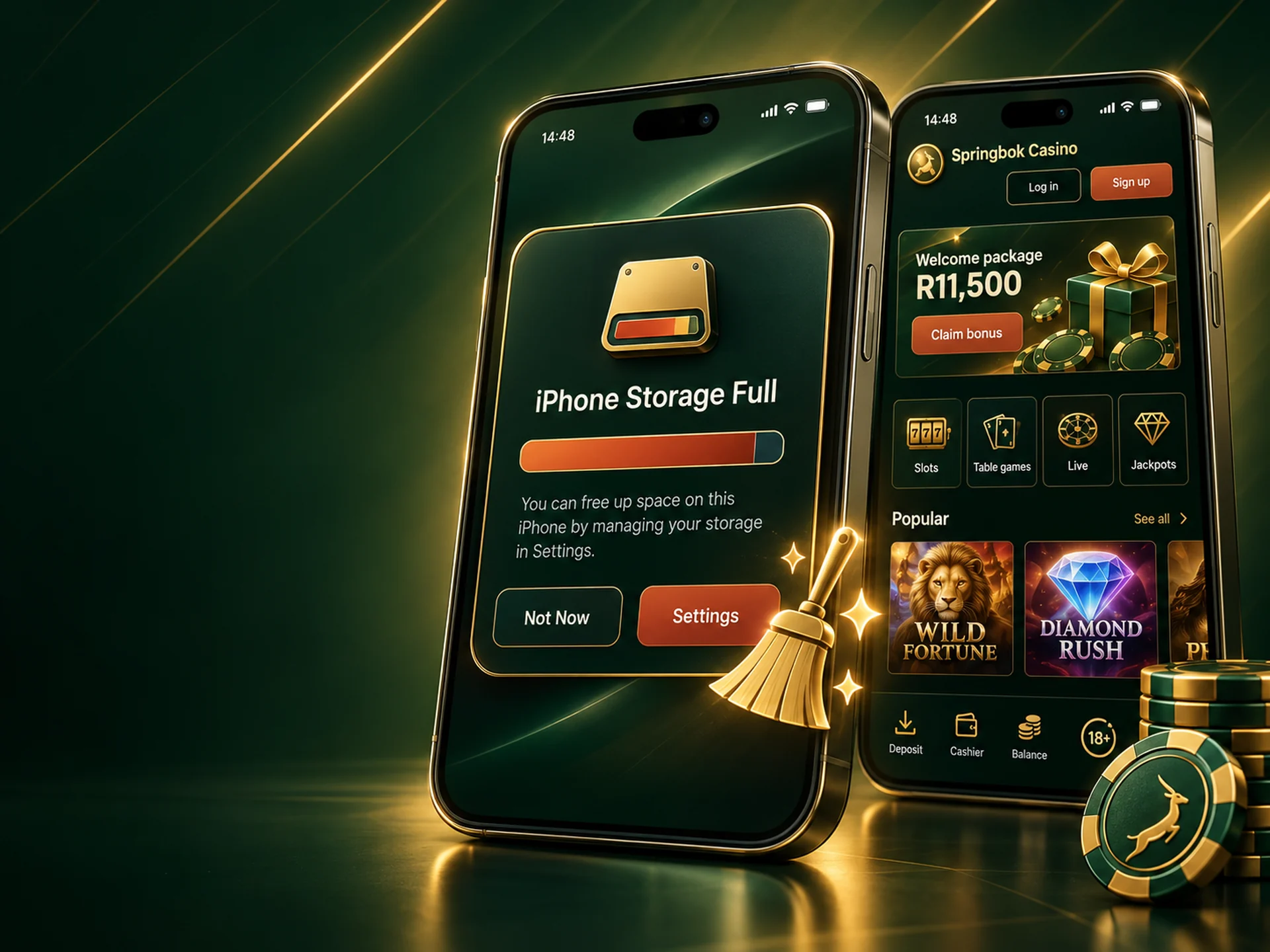
The Application Is not Installed due to Insufficient Memory
The home-screen shortcut itself needs almost no space, but the browser stores game graphics as you play, and a full phone refuses to save them. Open Settings › Storage, clear files and apps you no longer use, then clear the browser cache. Keep roughly 500 MB free for smooth play. On Windows, the desktop client needs its own disk space for the install, plus room for game files.
No "Add to Home screen" option, or the Windows installer is blocked
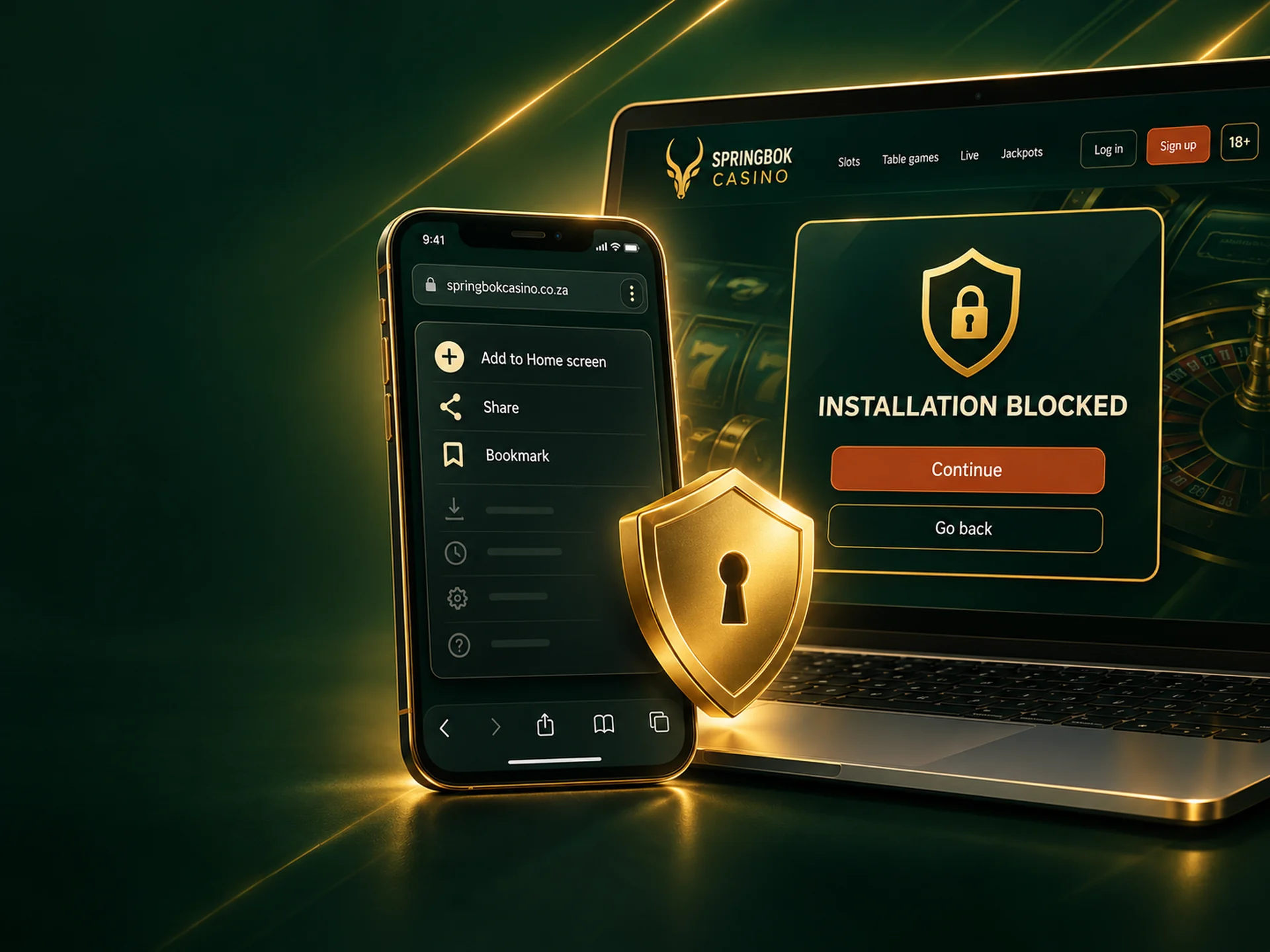
On a phone. The option only appears in the right browser: Chrome on Android, Safari on iPhone. If you opened the site from inside another app, such as a messenger or email, it may have opened in that app's own viewer. Copy the address into Chrome or Safari and try again. Private or incognito tabs can hide the option too.
On Windows. Windows sometimes stops installers it does not recognise with a blue "Windows protected your PC" screen. Only continue if you downloaded the client from the Springbok Casino site yourself. Never run an installer that came from a download portal or a link in a message: casino clients are a common target for repackaged copies. Your phone never needs a security setting switched off to use Springbok Casino.
The App Closes or Hangs Immediately After Startup
Work through these in order and check after each one:
- Close the app fully and open it again.
- Restart the phone, which also frees memory taken by other apps.
- Update the browser (Chrome or Safari) and the phone's system.
- Clear the browser's data for the casino site, then log in again.
- Remove the home-screen icon and add it again as shown in the install steps above.
Still stuck? Open the site in the browser without the shortcut. If it works there, the problem is the shortcut and support can walk you through it. If it does not, tell support your phone model and what you see on screen.
Comparison of the App and the Website
All three open the same account, balance and games. The difference is how you get in and what they ask of your device.
| Feature | Home-screen app | Mobile or desktop browser | Windows client |
|---|---|---|---|
| Getting started | Add once from Chrome or Safari | Nothing to set up | Download and install |
| Opening it | One tap on the icon | Type the address or use a bookmark | Desktop shortcut |
| Bonuses | Same offers as everywhere | Same offers as everywhere | Same offers as everywhere |
| Speed | Faster after the first visit, graphics are cached | Faster after the first visit, graphics are cached | Games load from disk, least affected by a slow line |
| Updates | Automatic | Automatic | You accept updates when offered |
| Space used | Almost none | Browser cache only | Install size plus game files |
| Best for | Playing on your own phone | A borrowed or shared device | Regular play on one Windows computer |
For most players the home-screen app is the easiest choice. The Windows client makes sense on a slow connection, because games load from disk rather than over the network. It does not unlock extra games or better terms, and on a computer that is not yours, stay in the browser.